
PDF Scanner
Scan documents with the camera, save as PDF and share
With the PDF Scanner you turn paper documents into PDF files using your smartphone camera – fast, free and without ads.
In the App Store the app is called “AMS – PDF Scanner”, on Google Play “Easy PDF Scanner”.


Features at a glance
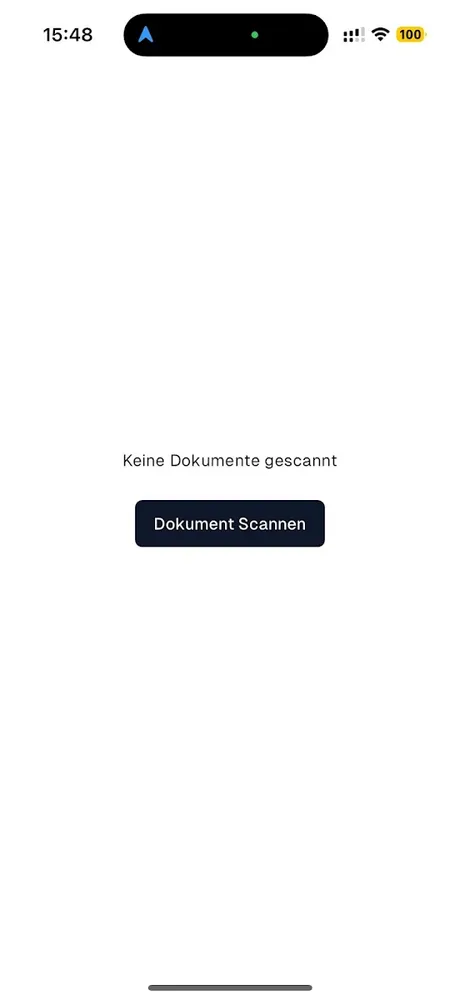
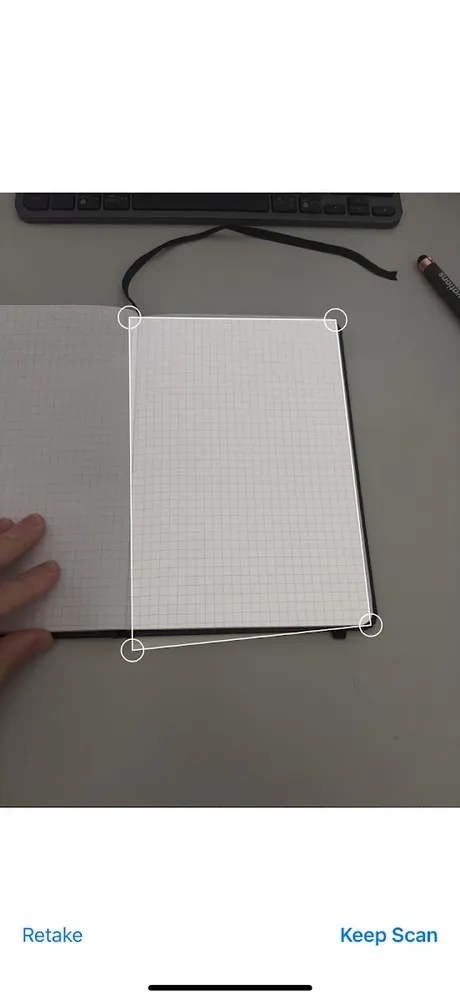
Scan documents
Capture invoices, contracts, notes and other papers with the camera – multi-page too.
Automatically as PDF
Scanned pages are combined into one PDF file.
Preview
View, zoom and page through PDFs right in the app.
Save locally
Documents stay on your device and are available at any time.
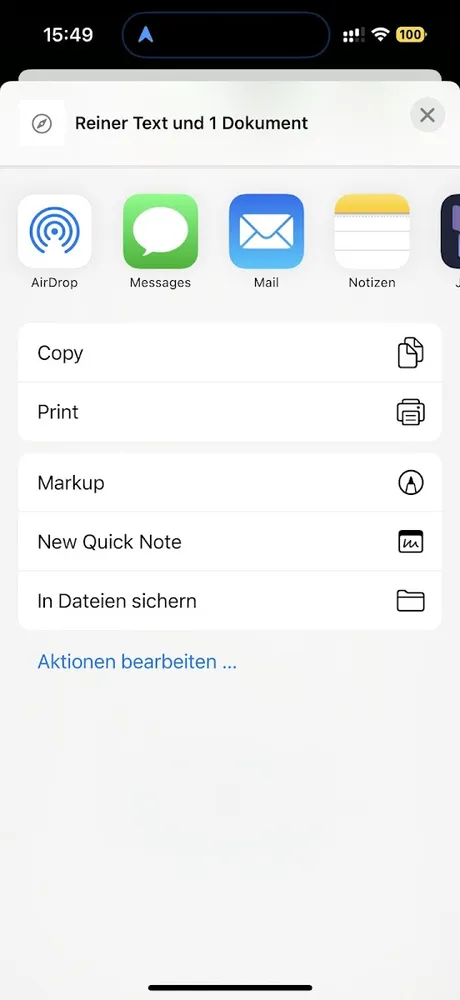
Share
Pass on PDFs by email, messenger or other apps.
History
All scanned documents in one list, deletable individually.
Good to know
On iPhone you can also import PDF, JPG and PNG files and sign documents with your finger. In the Android app one scan holds up to four pages.
Frequently asked questions about PDF Scanner
Costs, platforms and features in brief.
The app is free, without ads and without a subscription.
Documents are stored locally on your device. According to the App Store listing, the app does not collect any data.
In the iPhone app, yes: you draw your signature with your finger and place it on the page.
More than one app: AMS Go
AMS Go is the occupational safety software for companies of every size – with risk assessments, inspections, operating instructions, hazardous substances and further modules in one web and mobile app.
Discover AMS Go